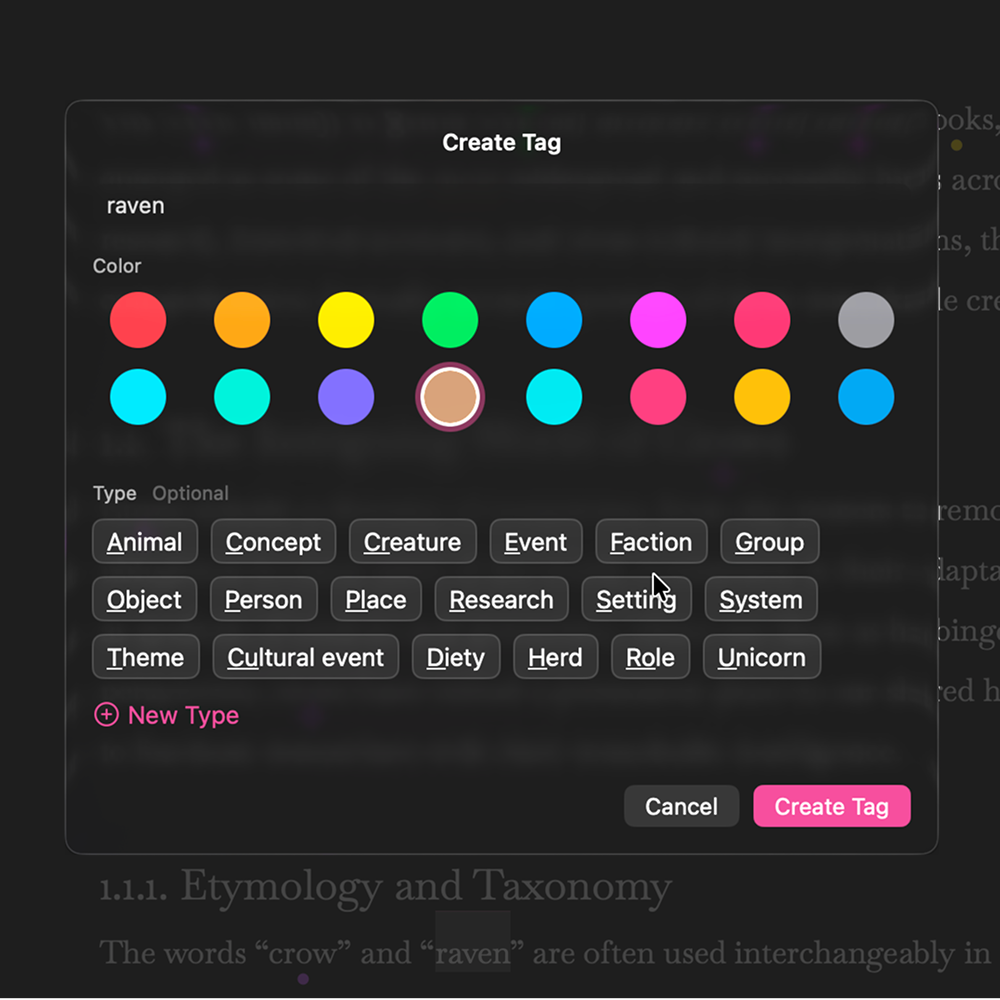
Create and view tags
Tag characters, locations, and concepts as you write. Right-click any word or use ⌘T to create tags instantly. View all your tags in the sidebar and hover over tagged text to see details without leaving your flow.
A word processor built for long projects and short memories.
TextBase helps you manage characters, places, and concepts across all your long-form writing projects. Tag any word, add details, then hover anywhere while you write to see those details instantly—no context switching, no leaving your flow.
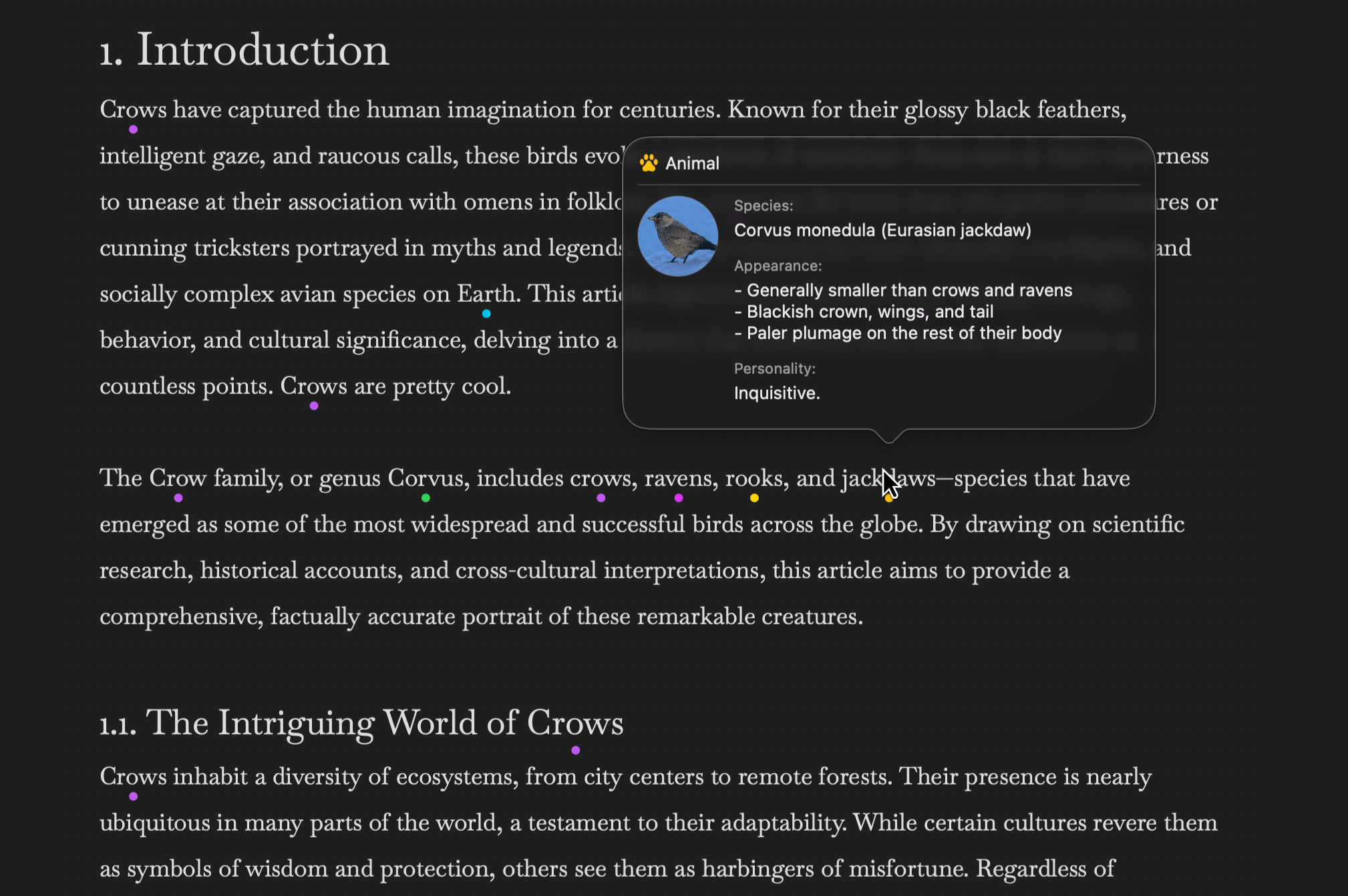
Tag characters, locations, and concepts as you write. Right-click any word or use ⌘T to create tags instantly. View all your tags in the sidebar and hover over tagged text to see details without leaving your flow.
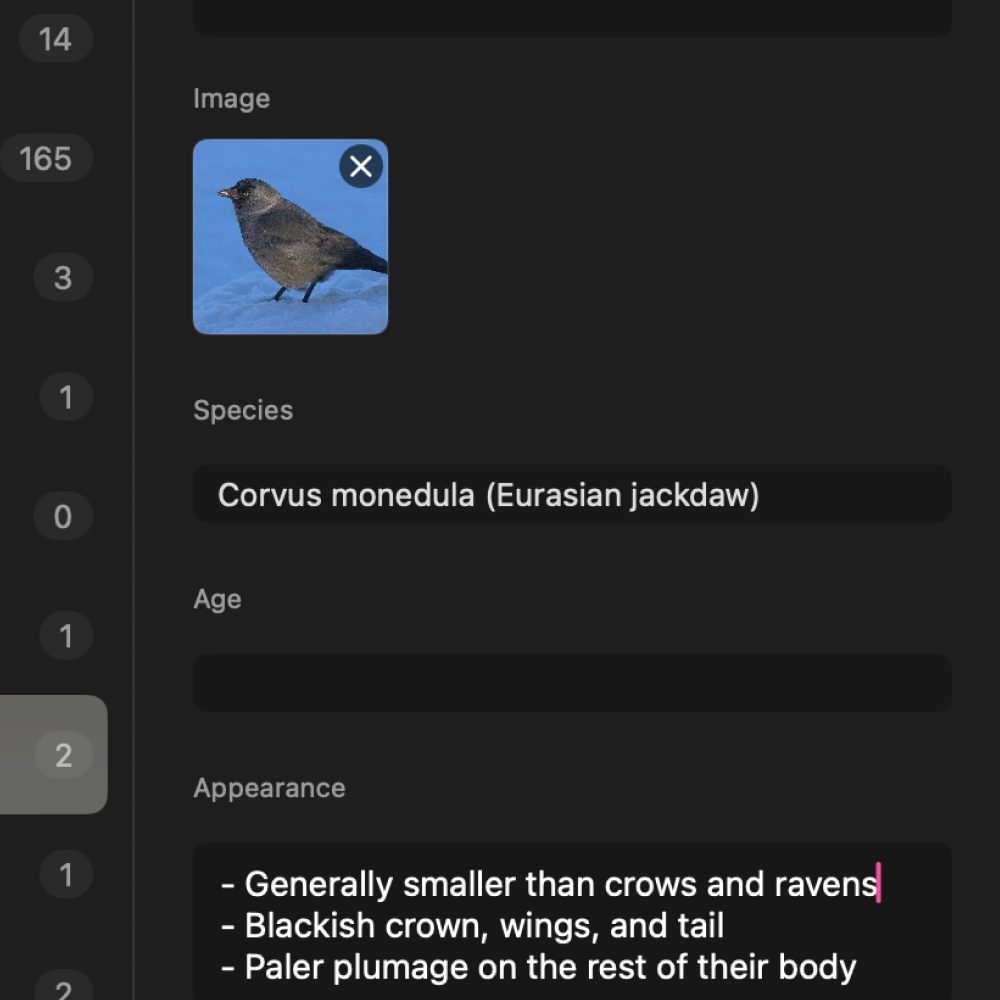
Store everything you need to remember. Add appearance details, relationships, background information, and custom notes. Each tag type includes relevant fields tailored to what you’re tracking.
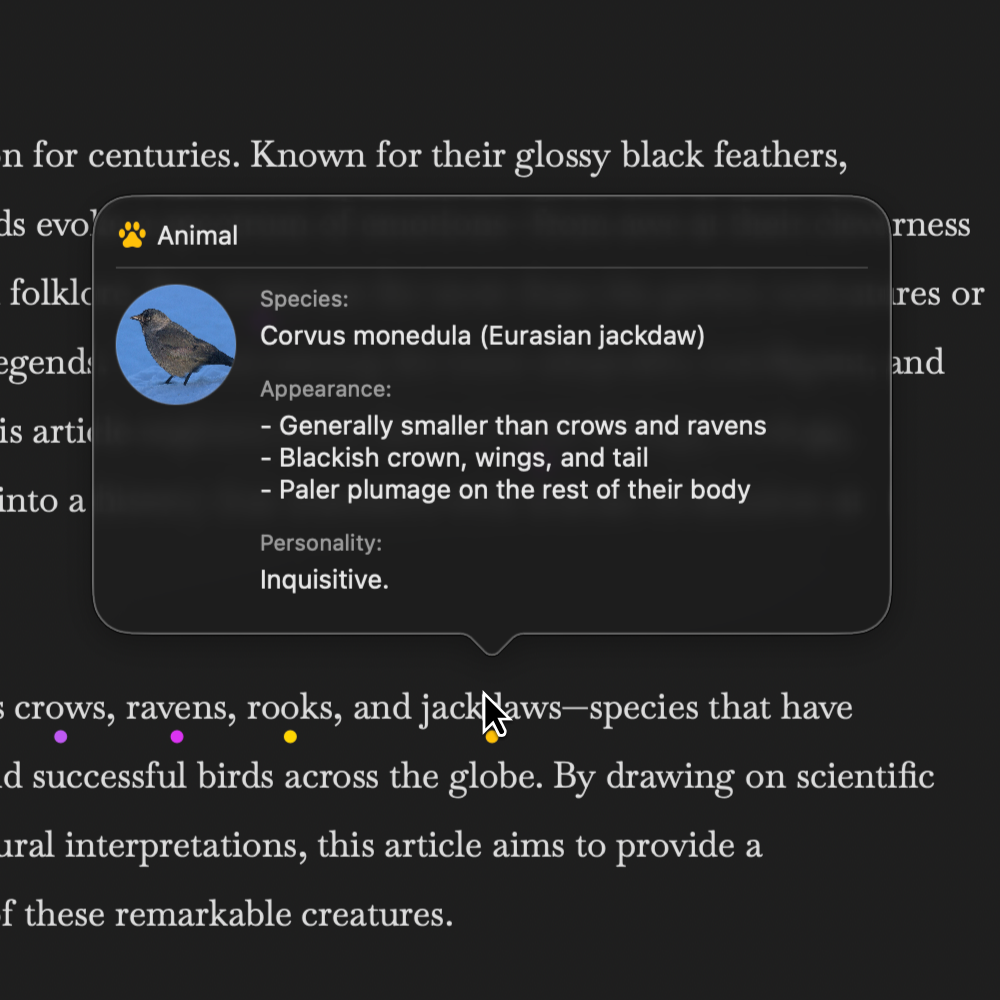
Hover over any tagged word in your document to see its details in a tooltip. Never lose track of character descriptions, location details, or plot points. Everything you need is one hover away.
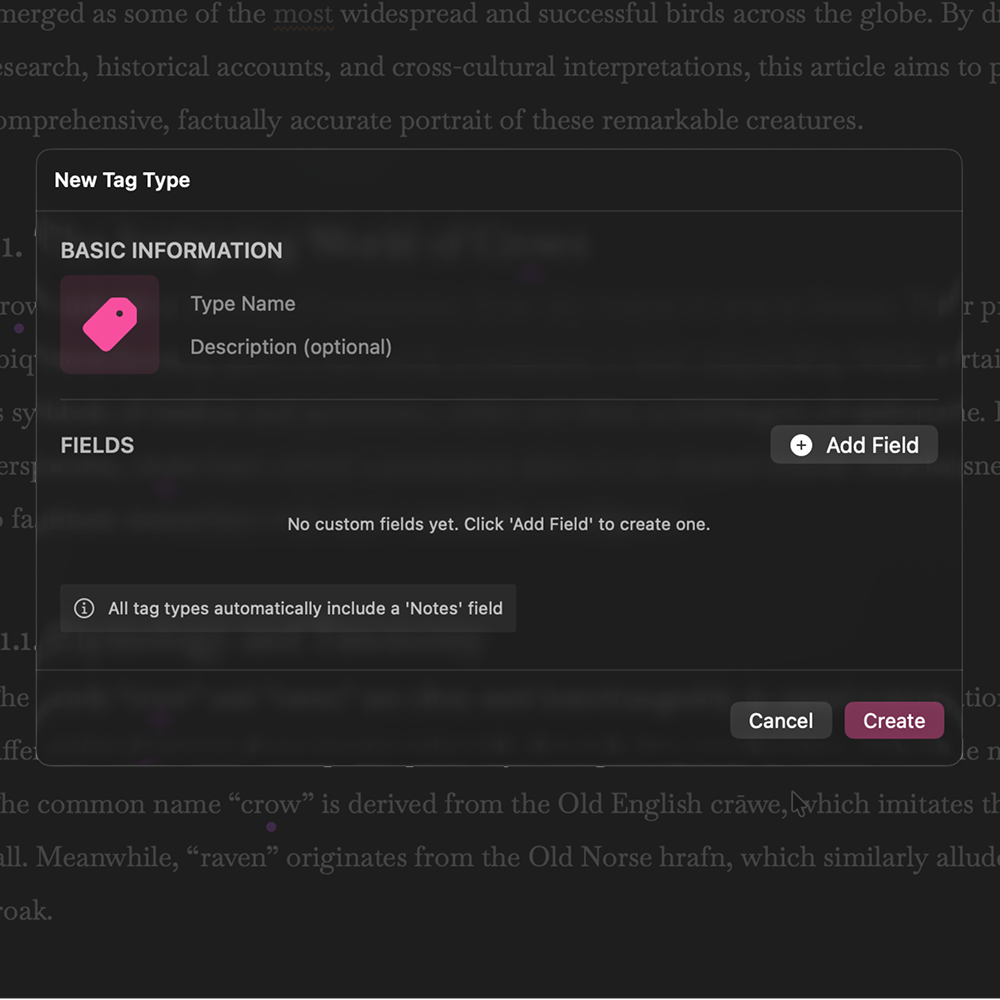
Create tag types tailored to your project. Define custom fields and relationships that match exactly what you need to track. Perfect for specialized projects like fantasy worlds, technical documentation, or any domain-specific writing.
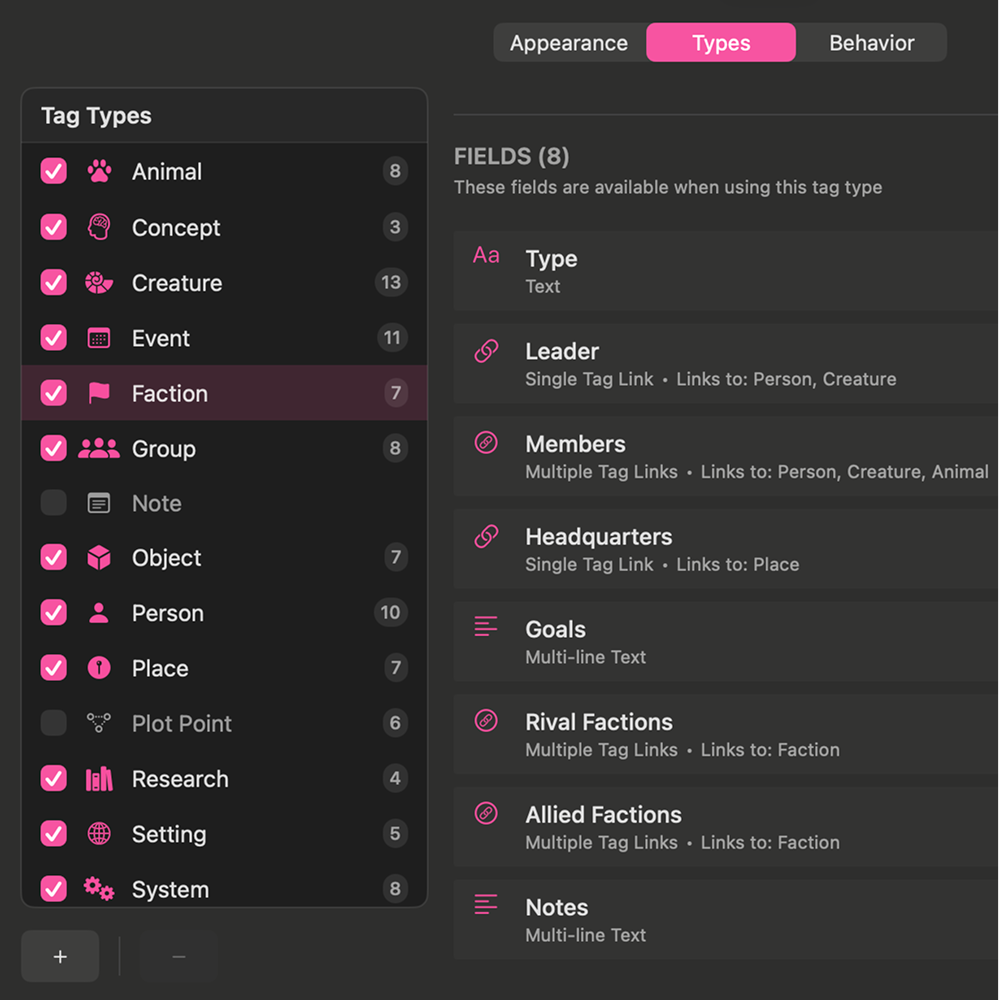
Organize and customize your tags through the tag management interface. Adjust tag display styles, manage tag types, and keep your project organized.
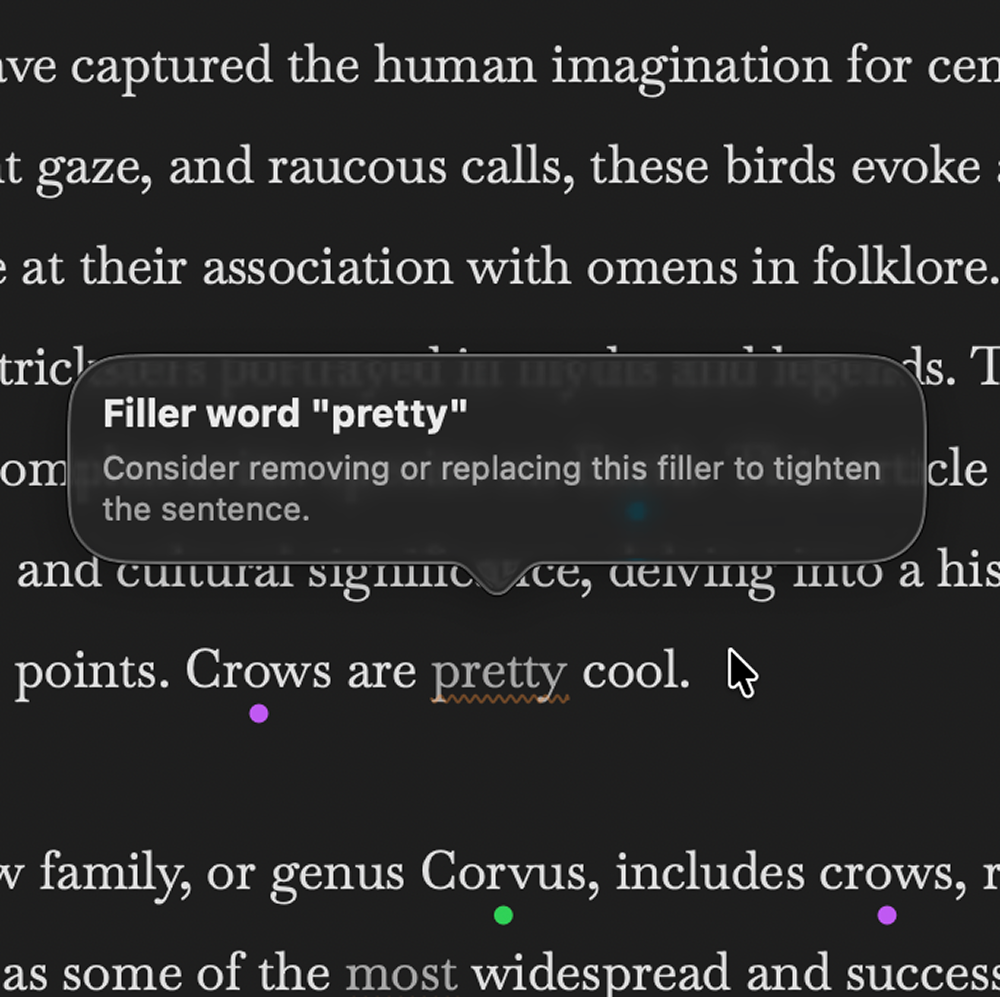
Avoid cliches, reduce redundant words. Subtle visual cues help improve your writing. Filler words and weak phrases are highlighted so you can strengthen your prose. Customize or disable hints to match your preferences.
We’re looking for early testers to help shape TextBase. Share your feedback and get early access to TextBase.

Requires macOS 15.6+